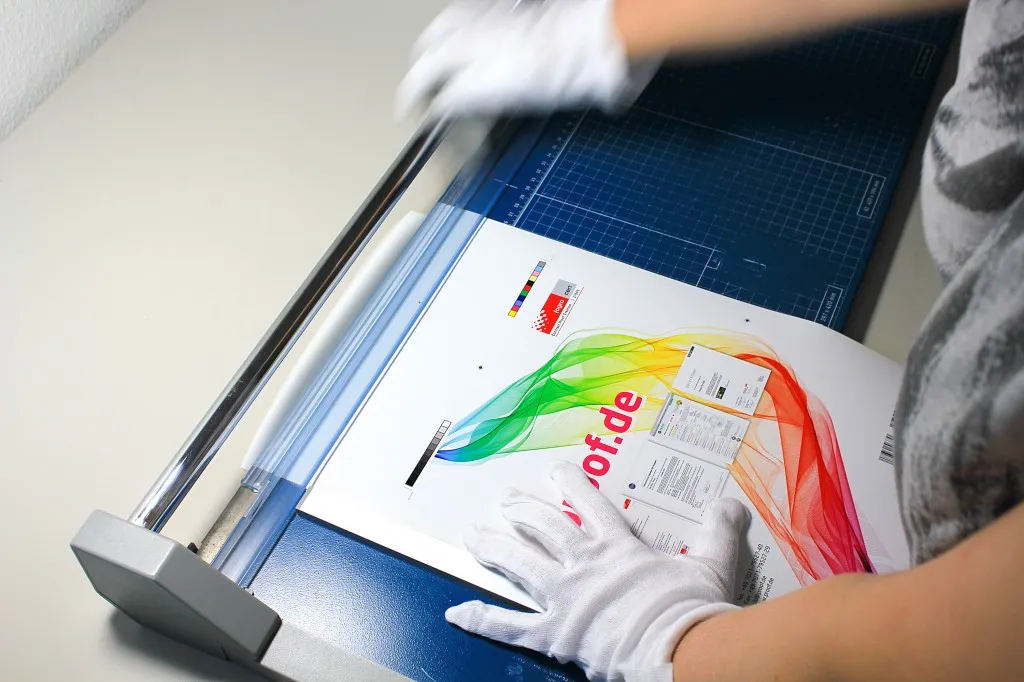
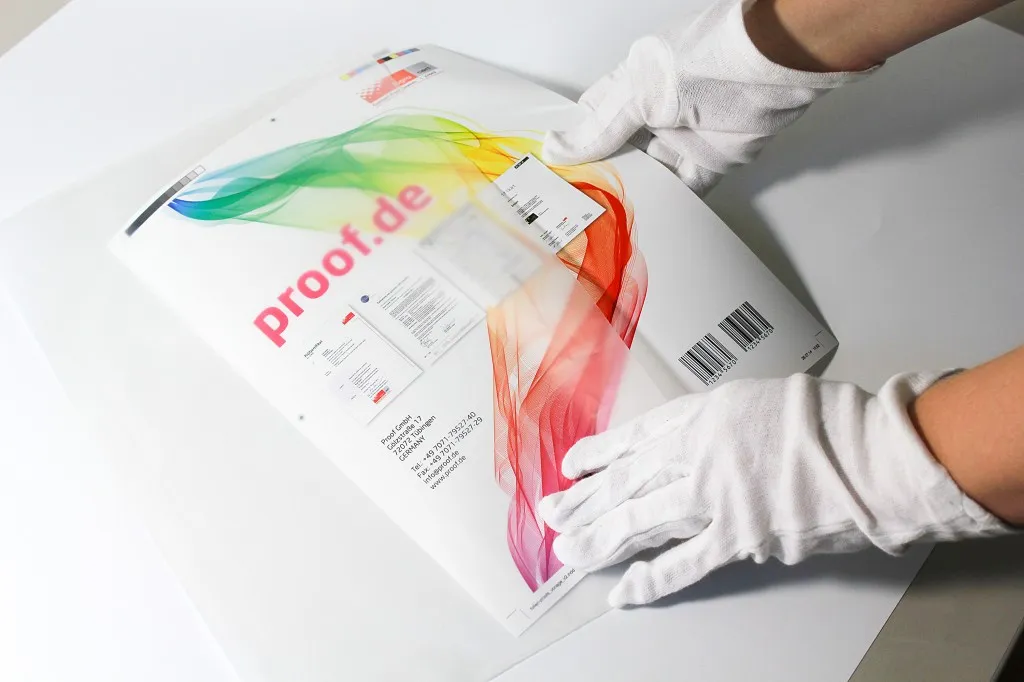
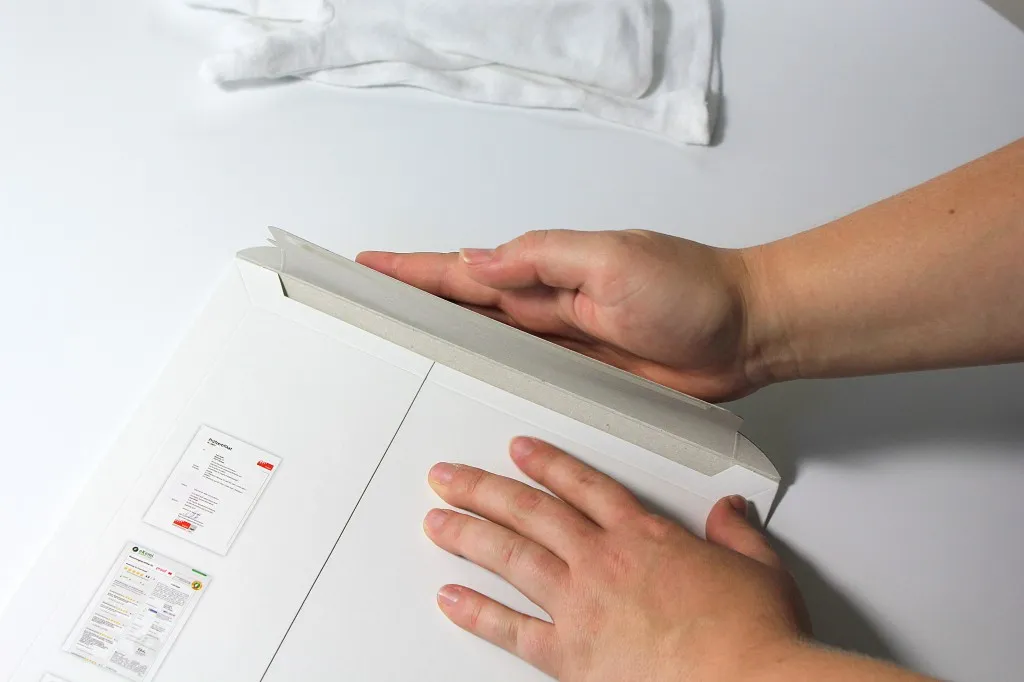
When we receive a file from you, we first check whether it contains anything other than CMYK colors. If the file consists exclusively of CMYK, it is sent directly for proofing.
Handling of incorrect profiles for CMYK data / "profile mismatch"
If we have received exclusively CMYK data from you, we ignore all embedded input and output profiles and only use the CMYK values that we convert to the ordered output color space.
Example 1: Data in ISOCoated, proof in ISOCoatedV2 ordered, so incorrect or no CMYK profile embedded
You send a file with the ISOCoated profile and a color area in CMYK 100/70/0/0 and order a proof according to ISOCoatedV2. We ignore the ISOCoated profile and proof the pure color value 100/70/0/0 according to ISOCoatedV2.
Why do we do this? We try to reproduce the "lived reality" of printing in our proofs as well as possible. In many conversations with printers, we have seen that in almost 100% of cases, they do not perform CMYK-to-CMYK profile conversions, but instead put a color value of 100/70/0/0 onto the plate without regard for CMYK profiles, insert paper, and print according to standard. So we also map this process, although it would actually be "more correct" to perform a color space transfer from ISOCoated 100/70/0/0 to ISOCoatedV2. However, this results in a different color value, for example with relative colorimetric rendering with black point compensation, 100/63/1/6, or perceptually with black point compensation 100/63/3/15!
Practical case: A customer of ours did not proof with us, but with a colleague proofed about 30 slightly different, dark blue color areas in ISOCoatedV2, each with the CMYK value printed in black text below, in order to color match a powder-coated surface. Based on the proofed color areas, the customer defined a very well-matching CMYK color value, put it into his brochures, and started the print jobs.
Result: The dark blue was always a significantly different blue than on the reference proof. Customer and agency were very dissatisfied and went on a search for errors.
Now the case came to us. We received a file for proofing according to ISOCoatedV2 and compared it with the proof of our colleague. The colors with the same CMYK values printed in black underneath were significantly different, both proofs had media wedges and were correctly measured. After some troubleshooting, we had the idea of requesting the file originally proofed with our colleague, which still existed. In this we found a Fogra27Coated profile, which is an implementation of the old ISOCoated. A proof according to ISOCoatedV2 had been ordered at the time.
What happened? The colleague had taken the input profiles into account, which resulted in a significant change in the CMYK values of the color fields through a color space transfer from CMYK to CMYK as explained above. However, the black printed CMYK values below the color fields naturally hadn't changed. The color-matched CMYK value therefore no longer corresponded to the proofed value at all. Our customer was shocked: "What, our CMYK values weren't proofed?"
With us, this case would not have occurred, since we ignore the embedded profile for CMYK data. This would also have been our customer's expectation in this case. After about two hours, we had identified the "error" (or perhaps rather the "difference"), created an "expectation-appropriate" proof for our customer, based on which he could determine the matching CMYK value in ISOCoatedV2, and had solved the problem.

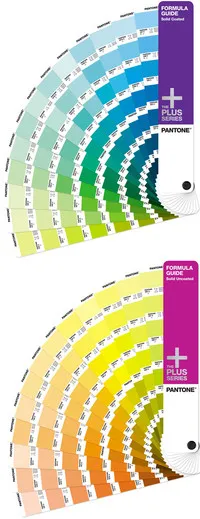 We proof with the proof system with the most precise color reproduction of the entire printer market. With our 11-color proof system, we can proof specialty colors like Pantone and HKS better than many other service providers. In our proof software, we have stored all common colors so that specialty colors are simulated as well as possible in the digital proof.
 If we could choose how our customers pay, we would wish for the following payment methods:
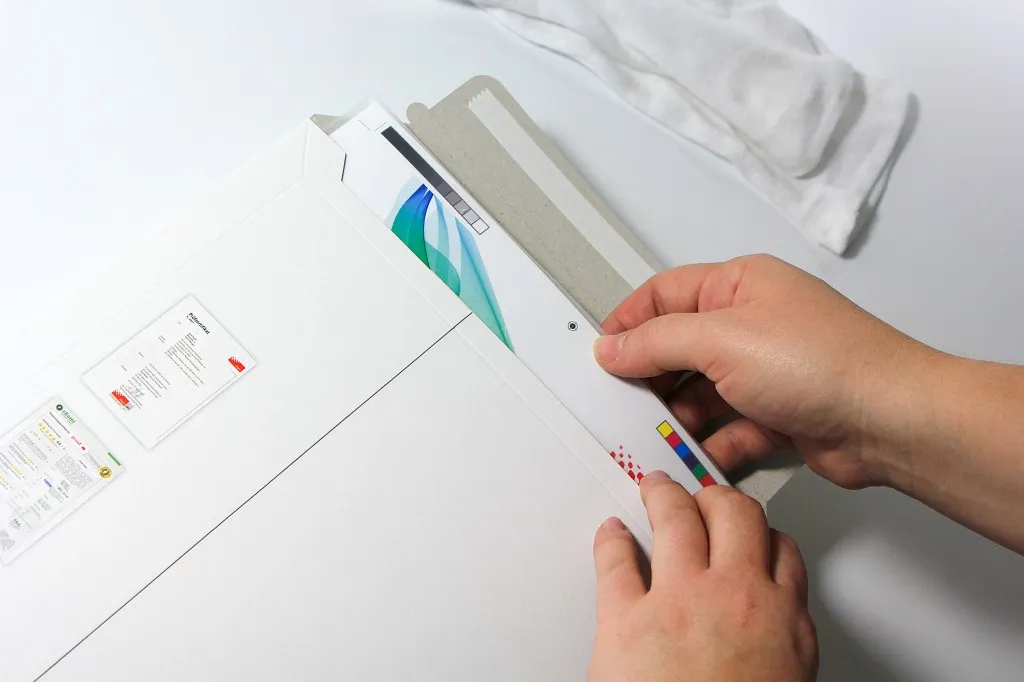
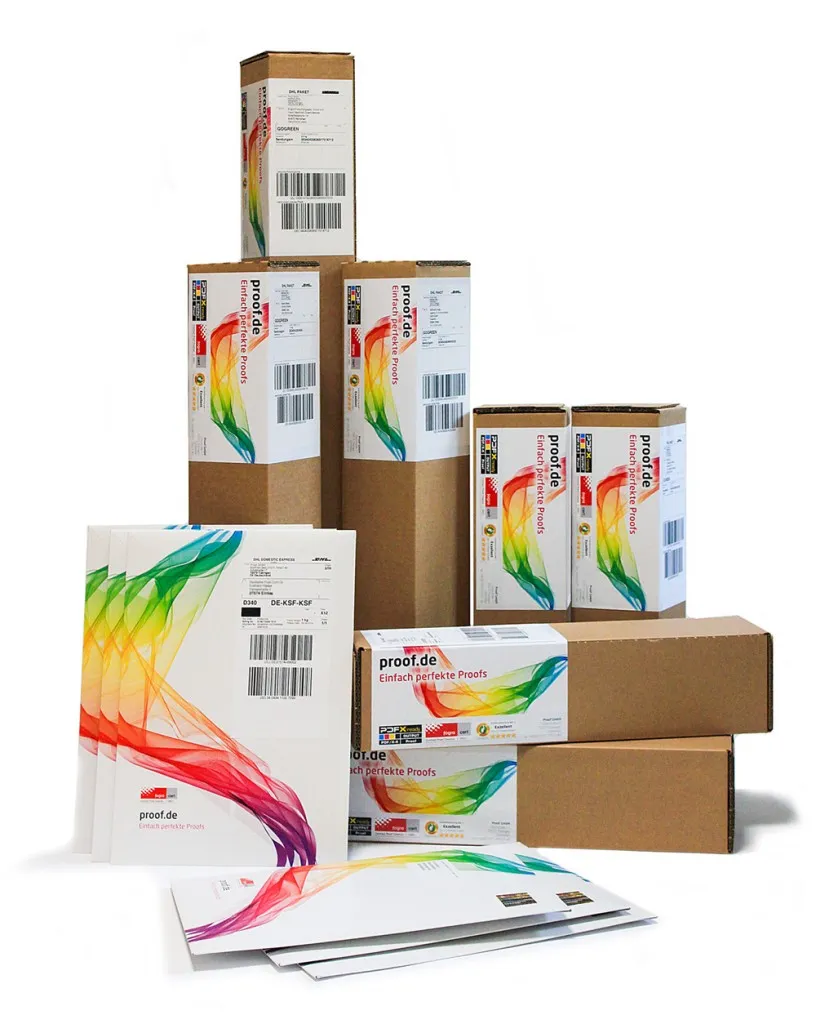 We ship up to DIN A4+ format in a 400 g/m² chromatic sulfate carton with tear strip; from DIN A3 format in a single-wall square cardboard tube, which is also equipped with a tear strip.